Building blocks of a National Funding Gatsby Page
Table of contents
- Hygraph
- Layout / Header & Footer
- Templates
- Static Pages
- Forms
- Components
- Below are components in
folders - ColsProductBoxes
- Covid19
- DynamicInput
- GrayBoxIconList
- HomepageCardBox
- LazyIFrame
- LoanProduct
- ModalCard
- ModalGlobal
- Newsroom
- ProductIndustries
- RowBlueTri
- RowComparison
- RowGoogleReviews
- RowNationalFundingDifference
- RowProductSingle
- RowThreeStep
- RowUniqueBoxes
- RowWhatMattersToUs
- RowWhyNationalFunding
- RowWhyNationalFunding
- Section179
- Trustpilot
- Below are single
.jsfiles - Banner
- BlogPreview
- Breadcrumbs
- CardNumberFormHero
- CircularIconText
- CircularIconTextNoBorder
- Comparison
- ContentImage
- CookieConsent
- CTAButton
- CustomerStoryBox
- CustomerStoryPreview
- FAQ
- ListCustomerStories
- LocationBackgroundPullUp
- ModalSup
- QandA
- Quote
- RowBlogPreviews
- RowColorOrBackgroundImage
- RowCountUps
- RowCustomerStories
- RowEasyToApply
- RowHowDoesItWork
- RowHowToApply
- RowHowWeWorkPlay
- RowLoanProducts
- RowLocations
- RowOfficeGoogleMap
- RowPersonalizedApproach
- RowQualificationsBlue
- RowSolutionIndustryBoxes
- RowTestimonial
- RowTestimonialGeneric
- RowTrustIcons
- RowTrustIconsTransparent
- RowWhyHowNow
- ScrollToTop
- SEO
- SideQuoteWithImage
- SquareHoverBox
- StyledButton
- TextBlock
- Below are components in
- FAQ
Hygraph
Our content is stored in Hygraph.
Layout / Header & Footer
Initially when going through the pages, I noticed there are very specific layouts for some Page Types. Those will be pre-defined. Upon further investigation, I realized that there are many mix and match style layouts that require a more nuanced approach that I hope to incorporate as time goes on and retroactively fit certain other page types.
Prefined Layouts
Used in these page models:
- TBD
You select a Landing Type (will change) or a layout and that will preselect the header (different from a hero type) and footer for the page.
Note: The links will be replaced by assets when solidified.
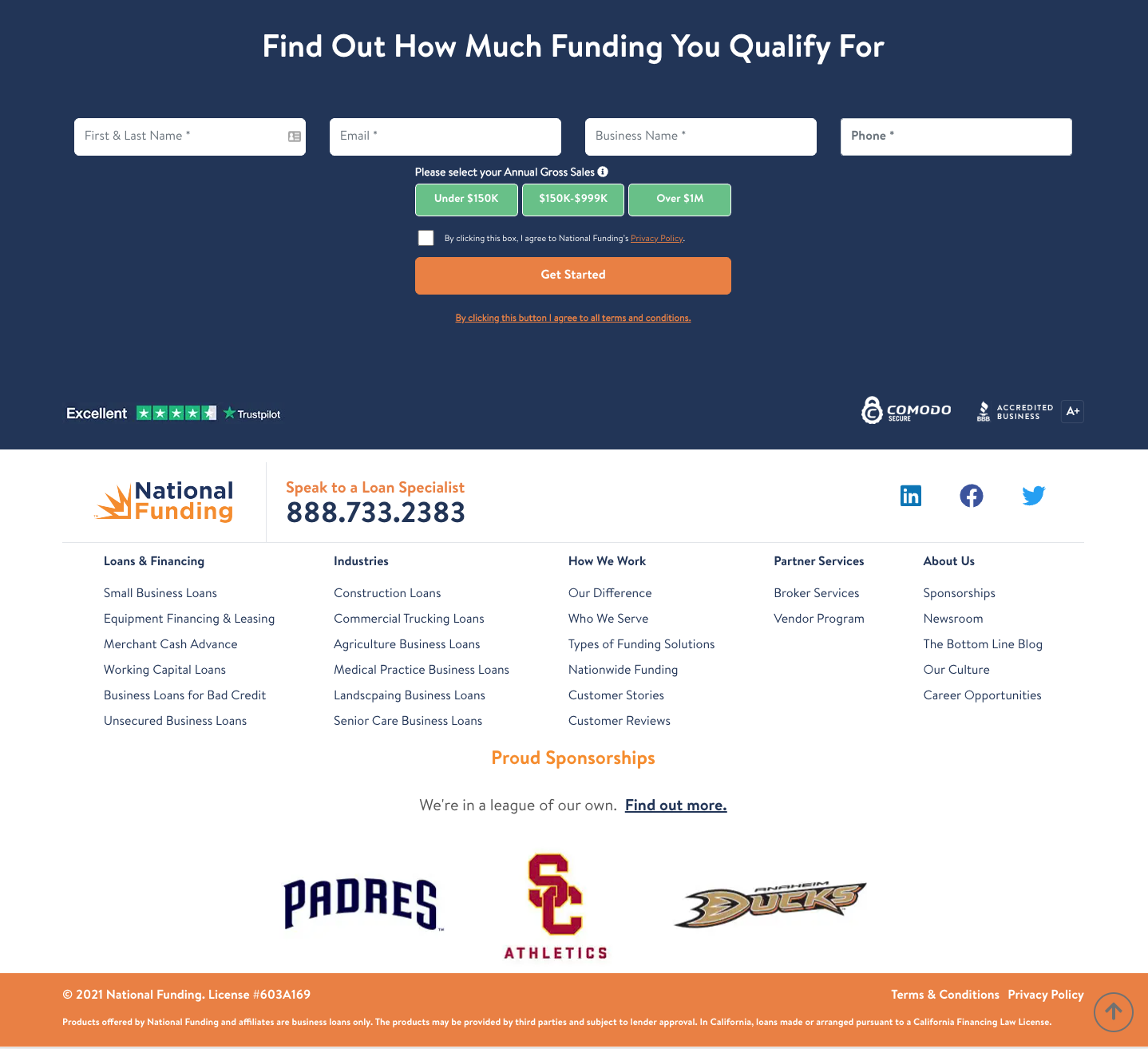
- 'Homepage' - layouts/homepage.js
Found at: http://localhost:8000/
Header

Footer
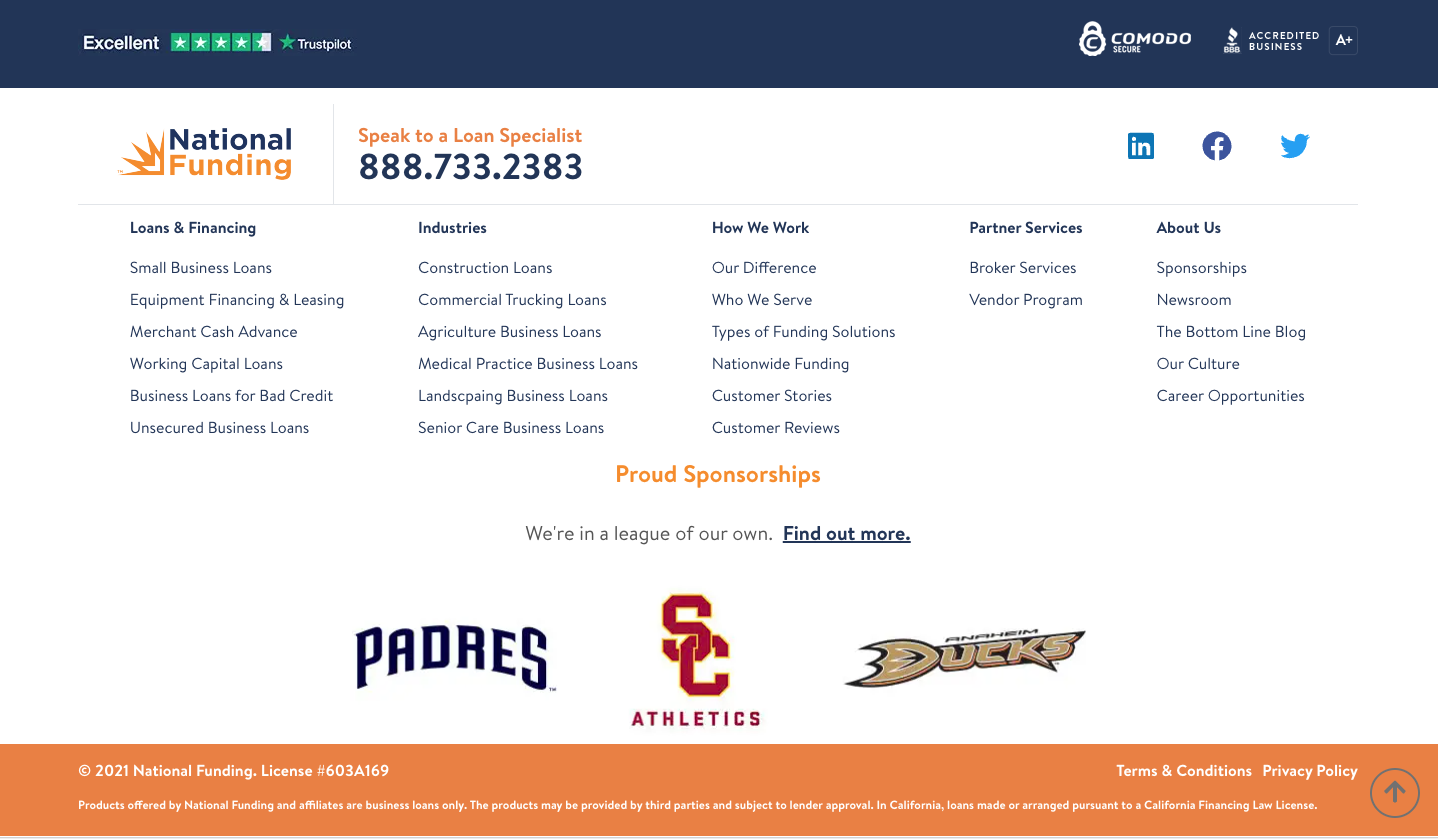
- 'NoFooterForm' - layouts/no-footer-form.js
Found at: http://localhost:8000/about-us/our-culture/
Header
Footer
Mix and Match Layouts
Starting relatively late in the process, I noticed that the /application pages have complete variance in their headers and footers. That adds complexity to their page creation. For them I have switched the Hygraph property structure to include both a Header Type and Footer Type
Header Types
- 'All' - Header/index.js
- 'Bars2' - Header/Bars2.js

- 'DLP' - Header/DLP.js

- 'LandingPartner' - Header/LandingPartner.js

- 'LogoOnly' - Header/LogoOnly.js

- 'MessagePhone' - Header/MessagePhone.js

- 'Partner' - Header/Partner.js

Footer Types
- 'All' - Footer/index.js
- 'LandingStandard' - Footer/LandingStandard.js
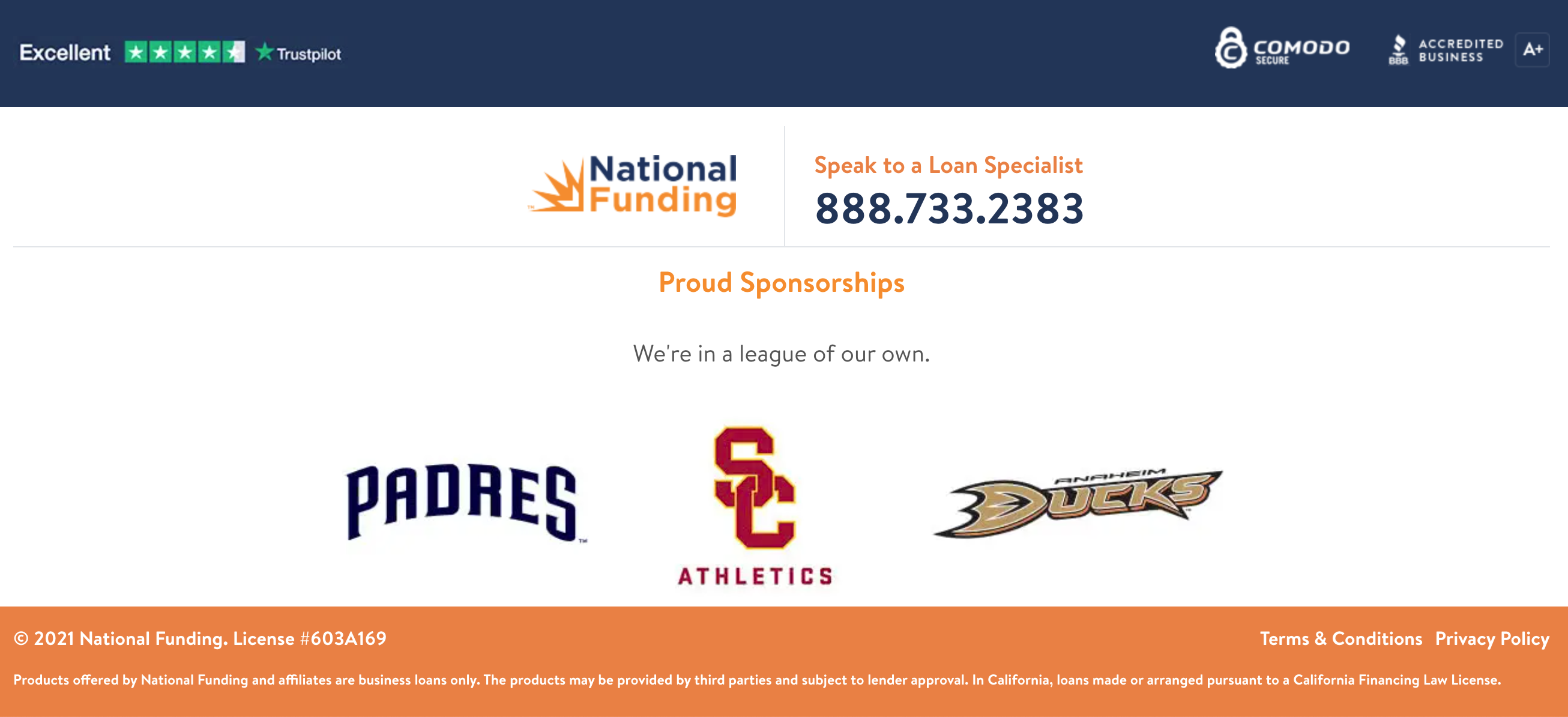
- 'Legacy' - Footer/Legacy.js
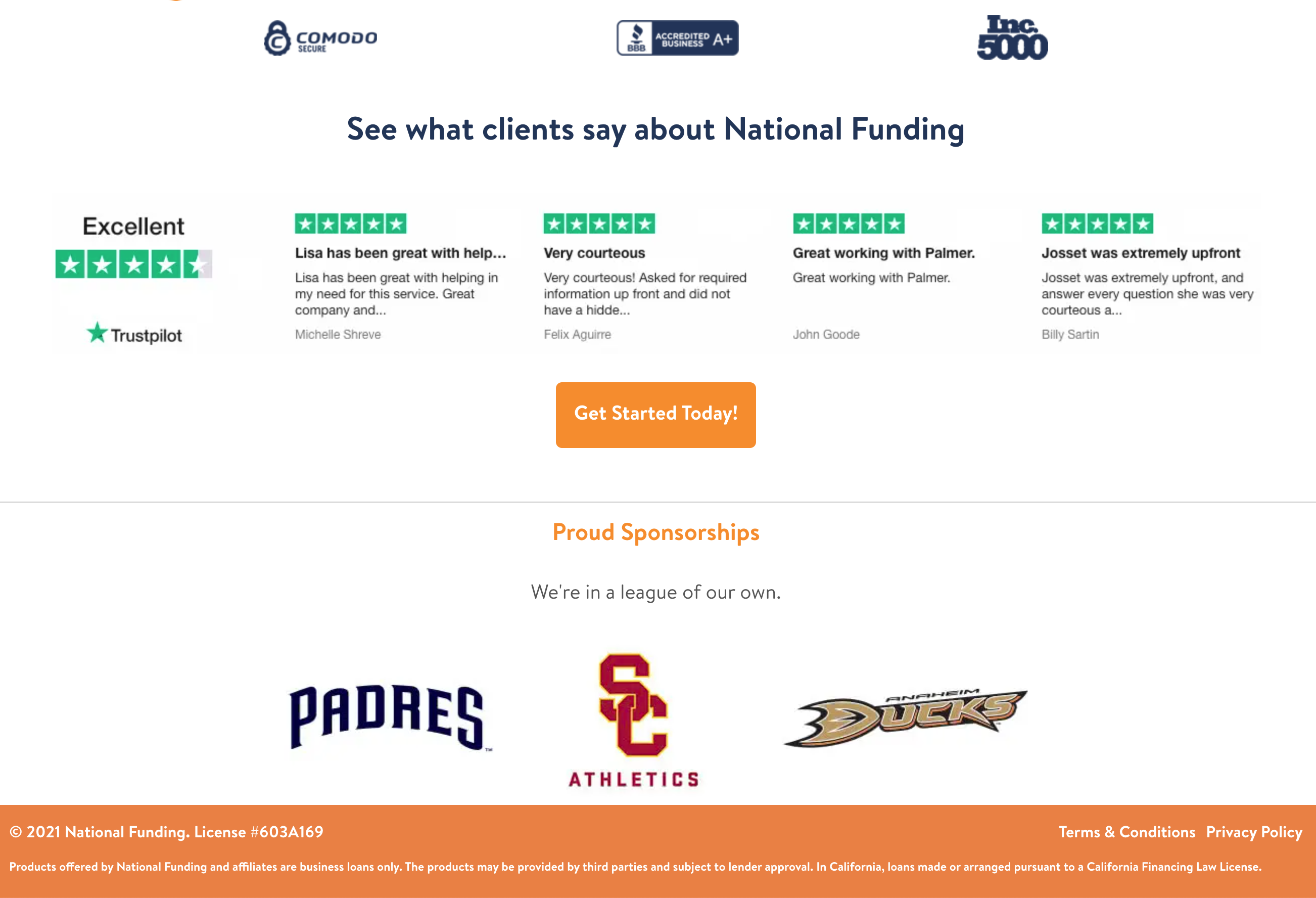
- 'NoPhone' - Footer/NoPhone.js
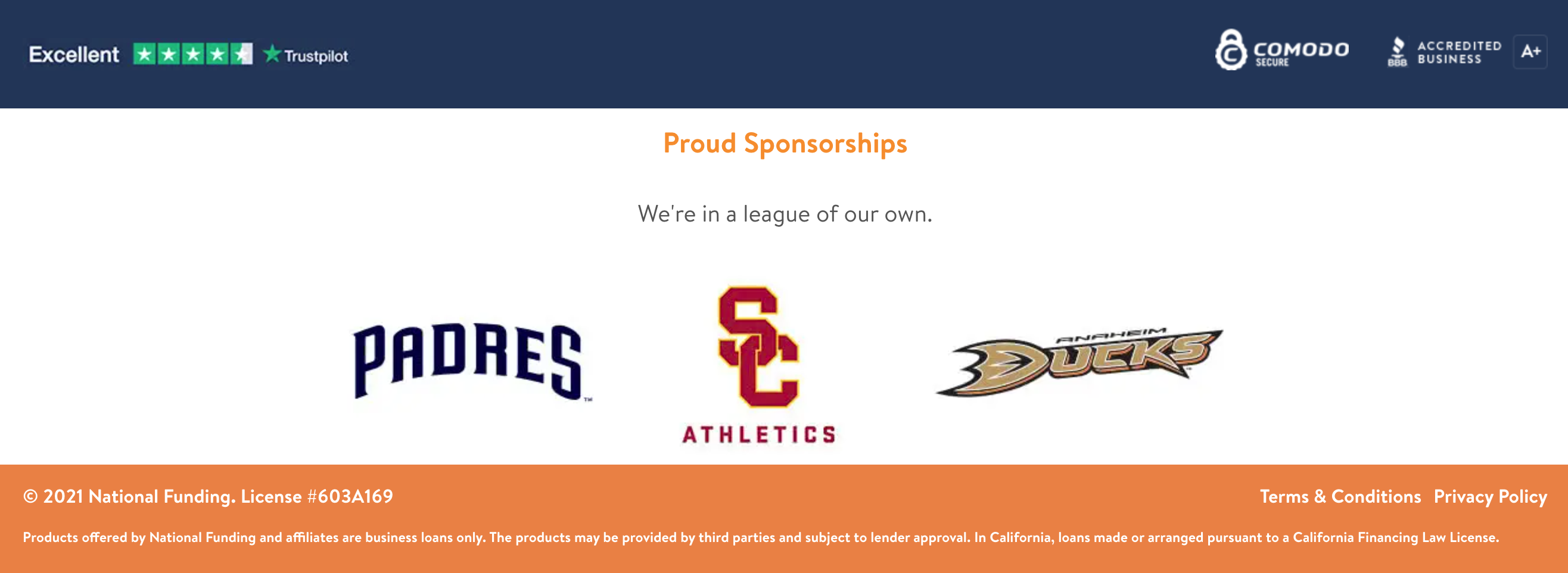
- 'NoPhone2' - Footer/NoPhone2.js
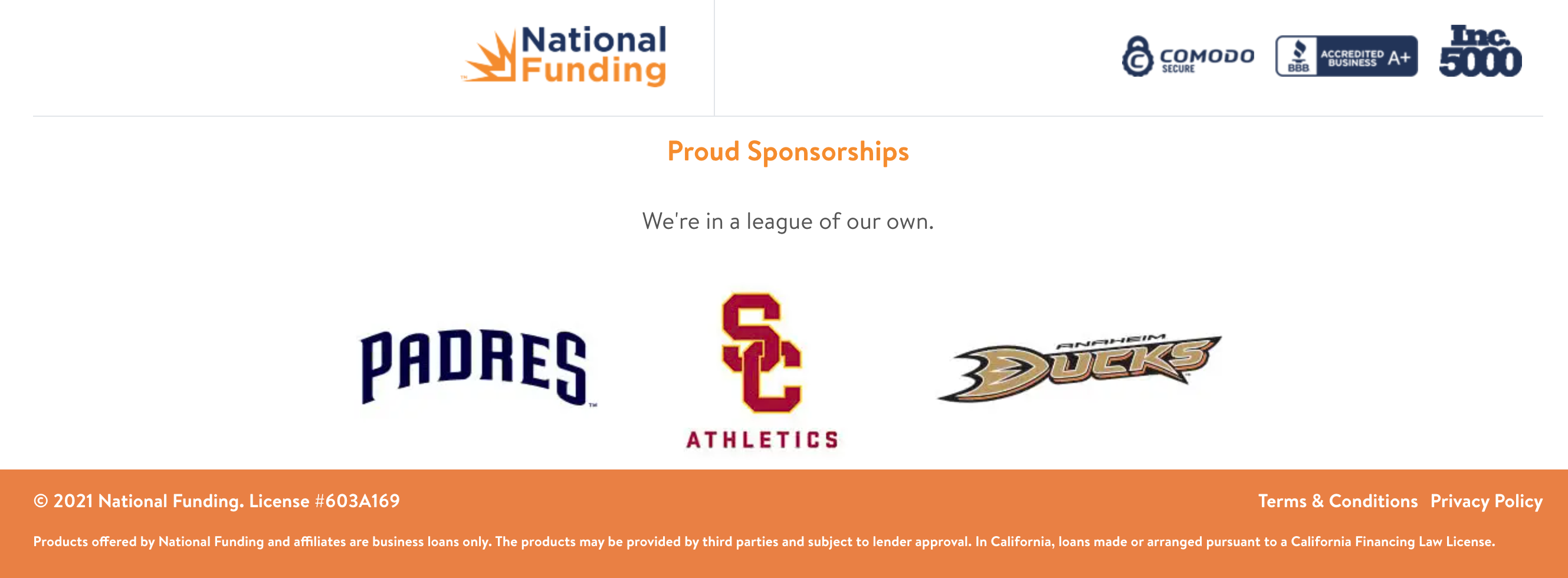
- 'TrustOnly' - Footer/TrustOnly.js

Templates
Application
All Application Page information:
- Uses mix and match Layout
- No breadcrumbs for Application Pages
- Application pages do not require a Hero
Customer Story
All Customer Story information:
- Uses the Standard Layout
Industry
All Industry Page information:
- Uses the Standard Layout
- Uses the Standard Hero
- Hero information is in the same Hygraph area as the page
Landing
All Landing Page information:
- Uses the Multiple Layouts (may be changed to Mix and Match)
- Uses the HeroSelector with an option in Hygraph
- Hero information is in Landing Hero section, linked back to the page
- Can change the Form Type
Location
All Location Page information:
- Uses the Standard Layout
- Uses the Location Hero
- Hero information is in the same Hygraph area as the page
Newsroom
All Newsroom Page information:
- Uses the Standard Layout
- Uses the VeryShort Hero
- Hero information is in the same Hygraph area as the page
Partner
All Partner Page information:
- Uses the Partner Layout
- There is no Hero
Solution
All Solution Page information:
- Uses the Standard Layout
- Uses the Standard Hero
- Hero information is in the same Hygraph area as the page
- Can change the Form Type
Unique
All Unique Page information:
- Uses the Multiple Layouts (may be changed to Mix and Match)
- Uses the HeroSelector with an option in Hygraph
- Hero information is in Unique Hero section, linked back to the page
- Can change the Form Type
Static Pages
These pages will require a develop update and push to change. For the legalese, this is because they can possibly appear on every page.
- http://localhost:8000/404/
- http://localhost:8000/disclosures/
- http://localhost:8000/privacy-policy/
- http://localhost:8000/terms-conditions/
Forms
TODO
Components
This section will document all the unique components in the National Funding site along with a visual reference. It will also document where the components can be used. Important Note: Markdown tries to scale up the image as much as possible so when viewing on desktop, the images of the components is larger than when viewed on the site itself
ColsProductBoxes
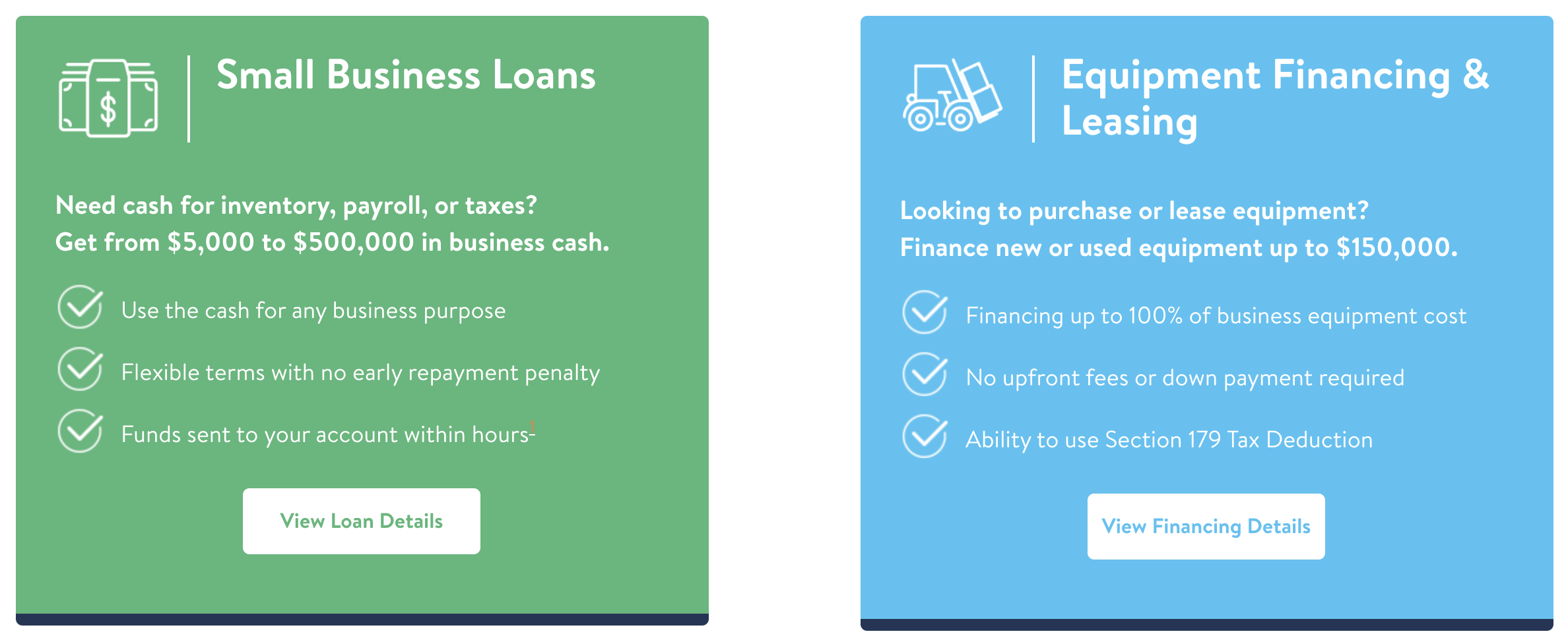
Properties
ColsProductBoxes.propTypes = {
  buttons: PropTypes.bool,
};

ColsProductBoxes.defaultProps = {
  buttons: true,
};
Usage on Hygraph
<cols-product-boxes></cols-product-boxes>Covid19
Properties
Usage on Hygraph
DynamicInput
Properties
DynamicInput.propTypes = {
  hiddenBorder: PropTypes.bool.isRequired,
  label: PropTypes.string.isRequired,
  svg: PropTypes.string,
  floatingPlaceholder: PropTypes.string.isRequired,
  inputPlaceholder: PropTypes.string,
  onChange: PropTypes.func,
  value: PropTypes.string,
};

DynamicInput.defaultProps = {
  hiddenBorder: false,
  label: undefined,
  svg: undefined,
  floatingPlaceholder: undefined,
  inputPlaceholder: "",
};
Usage on Hygraph
GrayBoxIconList
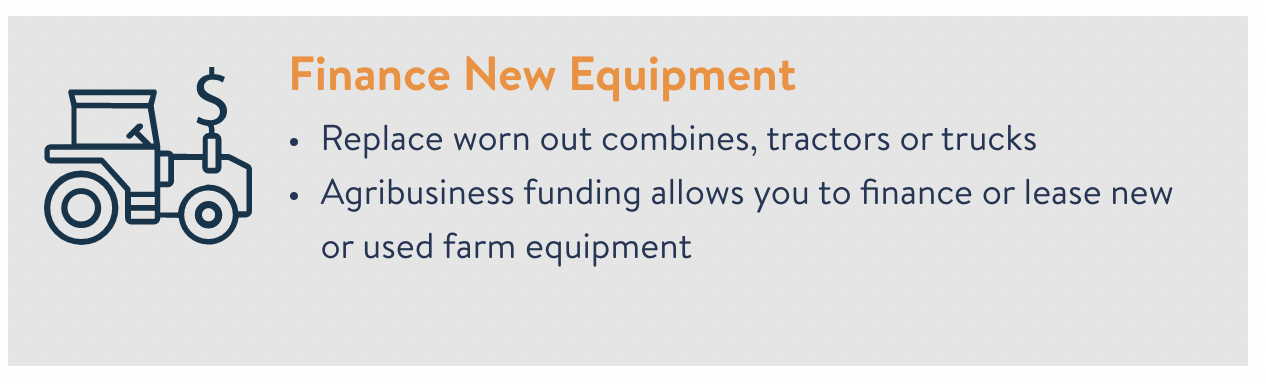
Properties
GrayBoxIconList.propTypes = {
  icon: PropTypes.string.isRequired,
  title: PropTypes.string.isRequired,
  bullets: PropTypes.string,
  text: PropTypes.string,
};

GrayBoxIconList.defaultProps = {
  icon: undefined,
  title: undefined,
  bullets: undefined,
  text: undefined,
};
Usage on Hygraph
<gray-box-icon-list
  icon="farm-equipment"
  title="Finance New Equipment"
  bullets='[
        "Replace worn out combines, tractors or trucks",
        "Agribusiness funding allows you to finance or lease new or used farm equipment"
    ]'
></gray-box-icon-list>
OR
<gray-box-icon-list
  icon="farm-equipment"
  title="Finance New Equipment"
  text="Replace worn out combines, tractors or trucks"
></gray-box-icon-list>
Important Note: When using bullets, other elements (such as the <modal-sup/> component CANNOT be included), it has to be text only. To get around this, currently we are looking for keywords then will add a ModalSup component if those key words are in the bullet point. Keywords so far:
- 24 hours
HomepageCardBox
Properties
None;Usage on Hygraph
<homepage-card-box></homepage-card-box>LazyIFrame

Properties
LazyIFrame.propTypes = {
  title: PropTypes.string,
  image: PropTypes.object.isRequired,
  ytId: PropTypes.string.isRequired,
  width: PropTypes.number,
  height: PropTypes.number,
  shadow: PropTypes.bool,
};

LazyIFrame.defaultProps = {
  title: undefined,
  image: undefined,
  ytId: undefined,
  width: 640,
  height: 480,
  shadow: true,
};
Usage on Hygraph
<lazy-iframe image="3NG4onUPRyCaK50HhJyS" ytId="AQS0Tb-gbTs"></lazy-iframe>LoanProduct
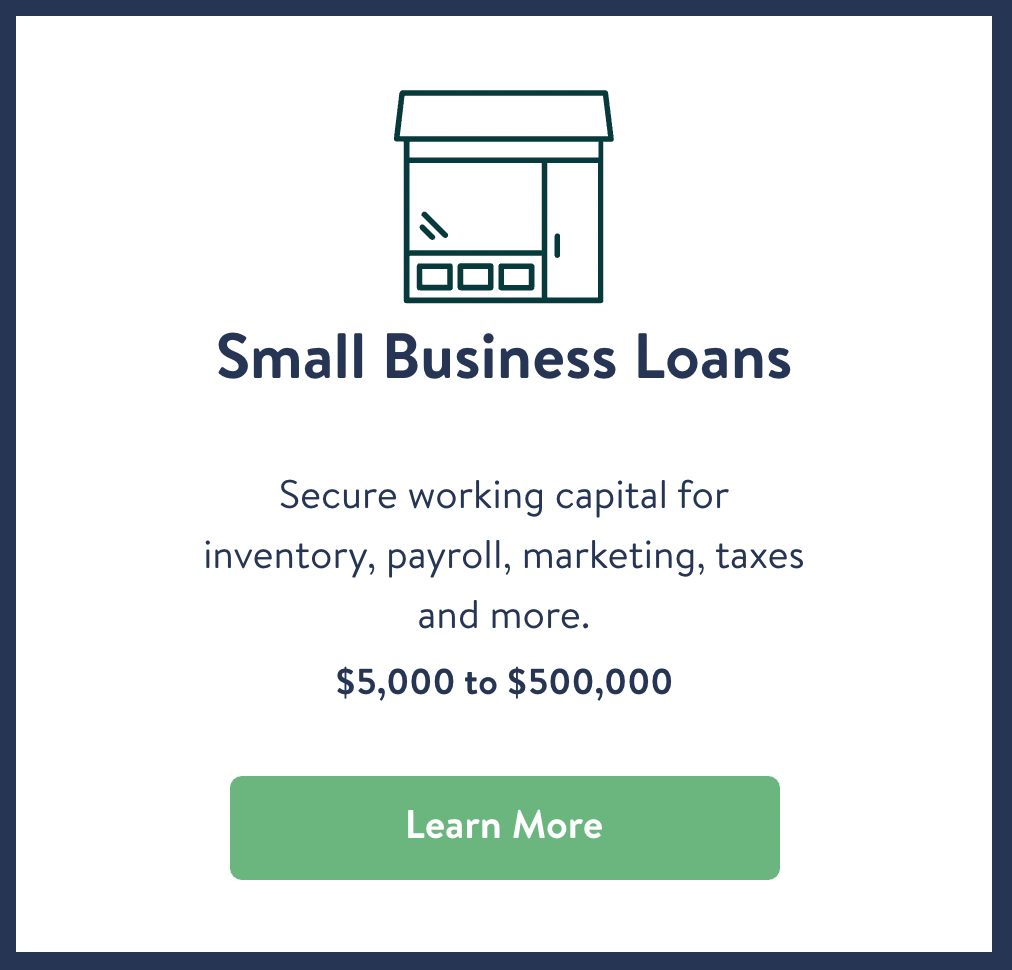
Properties
LoanProduct.propTypes = {
  product: PropTypes.oneOf(["SBL", "EF"]),
  text: PropTypes.string,
};

LoanProduct.defaultProps = {
  product: "SBL",
  text: undefined,
};
Usage in React
<LoanProduct product="EF" />Usage on Hygraph
NAModalCard
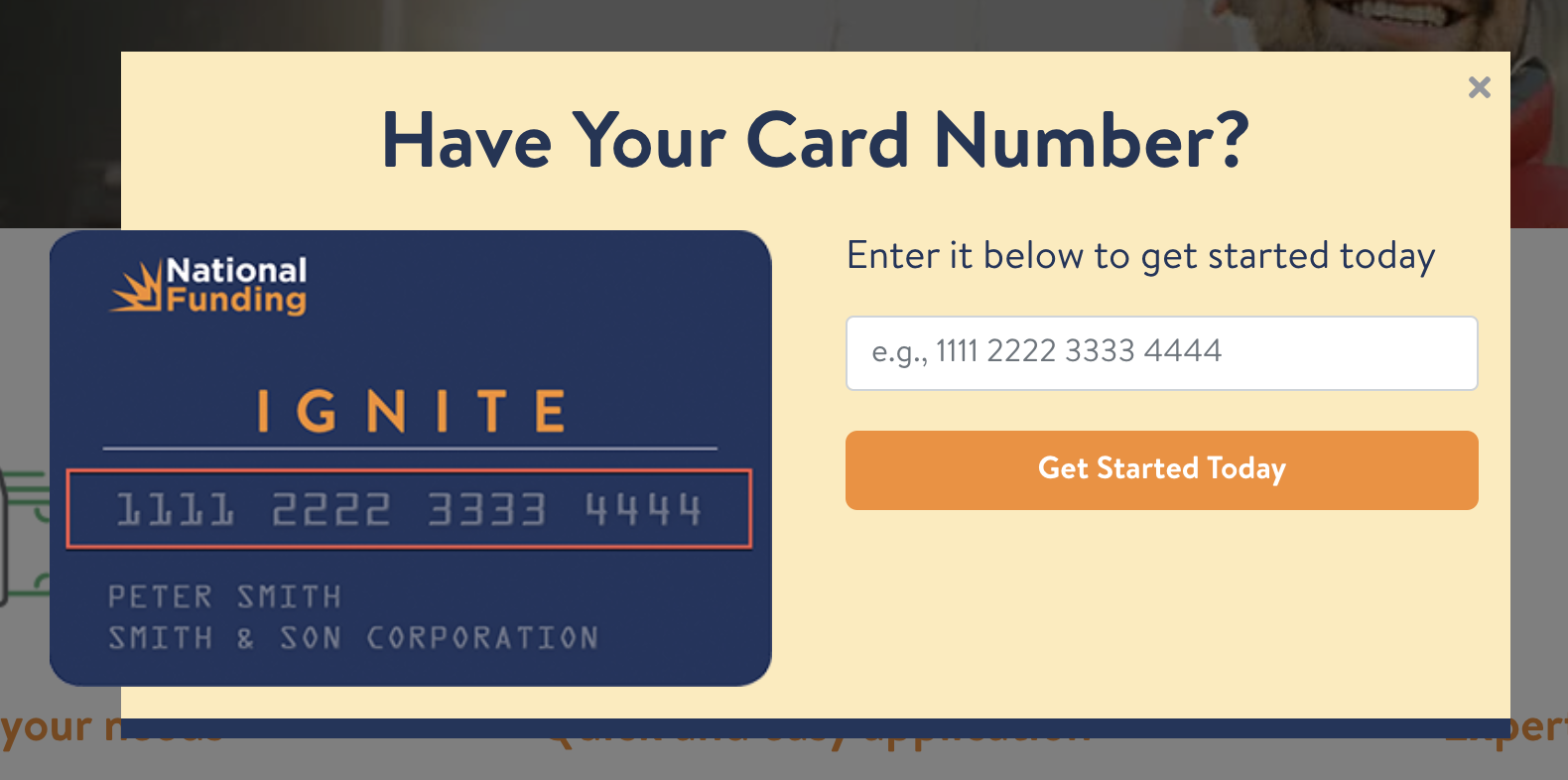
Properties
ModalCard.propTypes = {
  id: PropTypes.string,
  name: PropTypes.string,
  backgroundColor: PropTypes.string,
  cardHandle: PropTypes.string.isRequired,
  title: PropTypes.string.isRequired,
  subtitle: PropTypes.string.isRequired,
  url: PropTypes.string.isRequired,
  topLeftHandle: PropTypes.string, //handle asset should be 160x128
};

ModalCard.defaultProps = {
  id: undefined,
  name: undefined,
  backgroundColor: "#FEEAB9",
  cardHandle: undefined,
  title: "Have Your Card Number?",
  subtitle: "Enter it below to get started today",
  url: "/application/apply-now/",
  topLeftHandle: undefined,
};
Usage on Hygraph
<modal-card
  backgroundColor="#C6F0FF"
  cardHandle="ZawAUz9TyiKmNI1nVVjg"
  title="Have Your VIP Account Number?"
  subtitle="Enter it below to activate your account"
  topLeftHandle="q9c4o6OFRa66GK5EZgYq"
></modal-card>
ModalGlobal
Properties
ModalGlobal.propTypes = {
  show: PropTypes.bool.isRequired,
  url: PropTypes.string.isRequired,
  close: PropTypes.func.isRequired,
};
Usage on Hygraph
NANewsroom
Properties
Usage on Hygraph
ProductIndustries
Properties
Usage on Hygraph
RowBlueTri
Properties
RowBlueTri.propTypes = {
  cta: PropTypes.bool.isRequired,
  url: PropTypes.string,
};

RowBlueTri.defaultProps = {
  cta: false,
  url: undefined,
};
Usage on Hygraph
<row-blue-tri></row-blue-tri>RowComparison
Properties
RowComparison.propTypes = {
  title: PropTypes.string,
  children: PropTypes.node,
};

RowComparison.defaultProps = {
  title: "How We Compare to Other Financing Solutions",
  children: undefined,
};
Usage on Hygraph
<row-comparison>
  <div>
    National Funding takes every opportunity to help strengthen small business
    owners. We empower you to do what you do best - with customized leding
    options, and resources to help foster your financial well being and allow
    you to transform your vision into reality.
  </div>
</row-comparison>
RowGoogleReviews
Properties
None;Usage on Hygraph
<row-google-reviews></row-google-reviews>RowNationalFundingDifference
Properties
None;Usage on Hygraph
<row-national-funding-difference></row-national-funding-difference>RowProductSingle
Properties
RowProductSingle.propTypes = {
  type: PropTypes.oneOf(["sbl", "ef"]).isRequired,
  title: PropTypes.string,
};

RowProductSingle.defaultProps = {
  type: "sbl",
  title: undefined,
};
Usage on Hygraph
<row-product-single type="ef"></row-product-single>RowThreeStep
Properties
None;Usage on Hygraph
<row-three-step></row-three-step>RowUniqueBoxes
Properties
None;Usage on Hygraph
<row-unique-boxes></row-unique-boxes>RowWhatMattersToUs
Properties
None;Usage on Hygraph
<row-what-matters-to-us></row-what-matters-to-us>RowWhyNationalFunding
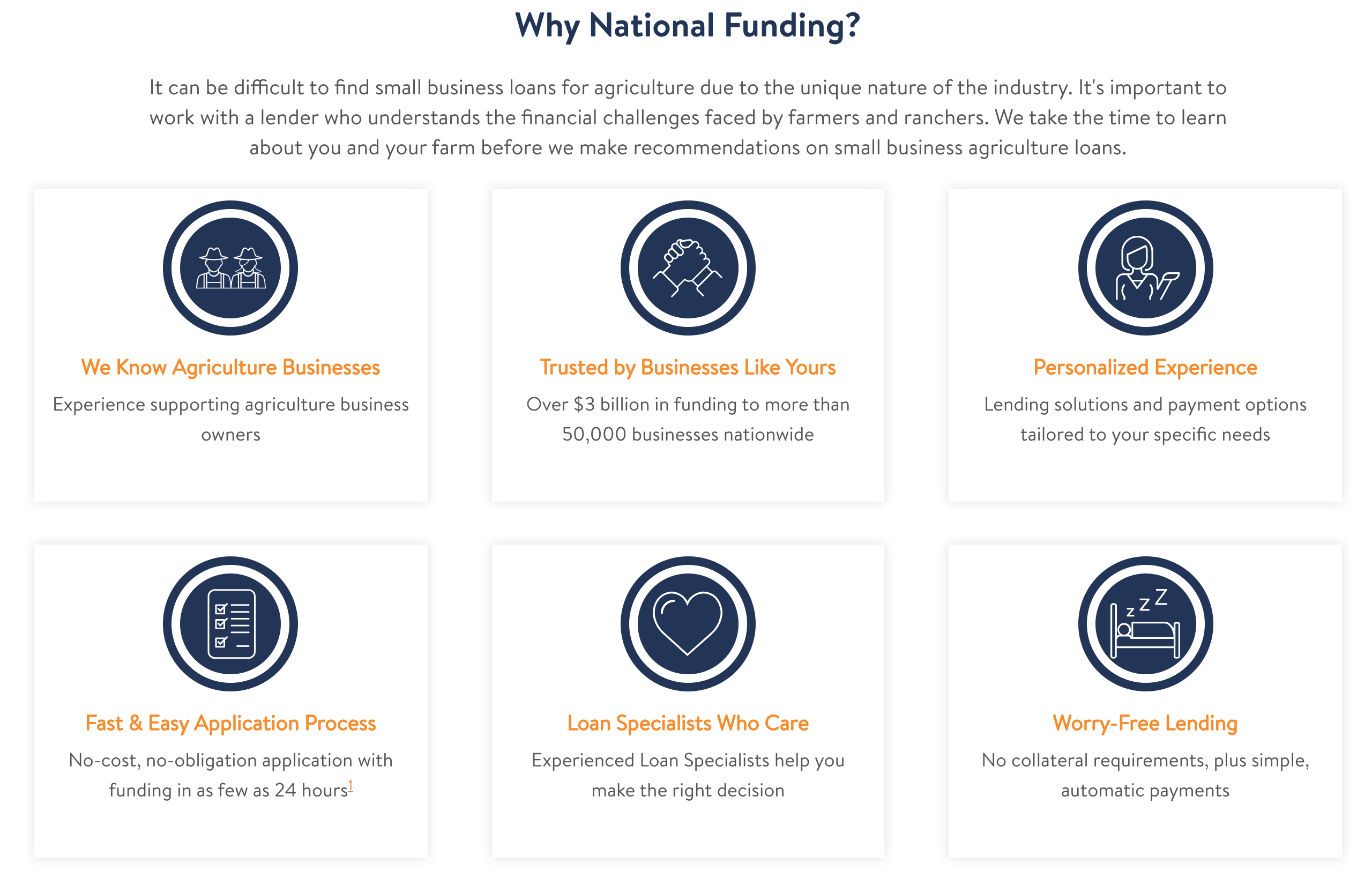
Properties
RowWhyNationalFunding.propTypes = {
  cta: PropTypes.bool.isRequired,
};

RowWhyNationalFunding.defaultProps = {
  cta: false,
};
Usage on Hygraph
<row-why-national-funding>
  <text-block>
    <p class="text-c-mobile-l">
      Text that will be centered on desktop and left aligned on mobile
    </p>
  </text-block>
</row-why-national-funding>
RowWhyNationalFunding
Properties
RowWhyNationalFunding.propTypes = {
  whyNationalFundingIcons: PropTypes.array.isRequired,
  cta: PropTypes.bool,
  phone: PropTypes.string,
  backgroundColor: PropTypes.string,
  children: PropTypes.node,
  open: PropTypes.func.isRequired,
};

RowWhyNationalFunding.defaultProps = {
  cta: false,
  phone: "8887332383",
  backgroundColor: undefined,
};
Usage on Hygraph
<row-why-national-funding>
  <text-block>
    <p class="text-c-mobile-l">
      From landscapers to taxi companies, most businesses need transportation.
      No matter what your business does, we’re here to help you get the vehicle
      financing you need. With a friendly, custom-tailored approach for your
      unique business, we deliver the funding solutions to solve your vehicle
      problems.
    </p>
  </text-block>
</row-why-national-funding>
Section179
Properties
Usage on Hygraph
Trustpilot
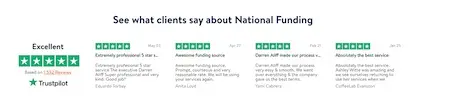
Properties
Trustpilot.propTypes = {
  title: PropTypes.string,
  subtitle: PropTypes.string,
  type: PropTypes.oneOfType([PropTypes.string, PropTypes.number]),
  cta: PropTypes.bool,
  borderBottom: PropTypes.bool,
  titleShownMobile: PropTypes.bool,
};

Trustpilot.defaultProps = {
  title: undefined,
  subtitle: undefined,
  type: 1,
  cta: false,
  borderBottom: false,
  titleShownMobile: true,
};
Usage on Hygraph
<trustpilot
  titleShownMobile="{false}"
  title="See what clients say about National Funding"
></trustpilot>
Banner

Properties
Banner.propTypes = {
  backgroundColor: PropTypes.string.isRequired,
  title: PropTypes.string.isRequired,
  titleColor: PropTypes.string.isRequired,
  children: PropTypes.node.isRequired,
};

Banner.defaultProps = {
  backgroundColor: "#223657",
  title: undefined,
  titleColor: "#46C5EC",
  children: undefined,
};
Usage on Hygraph
<banner
    title="New Equipment Today. Full Write-off This Year."
>
    Finance new or used equipment before December 31st to use <link to="/equipment-leasing/section-179-tax-deductions/">Section 179</link> for a 100% tax deduction. <link to="/equipment-leasing/section-179-tax-deductions/">Learn More</link>
</banner>
BlogPreview
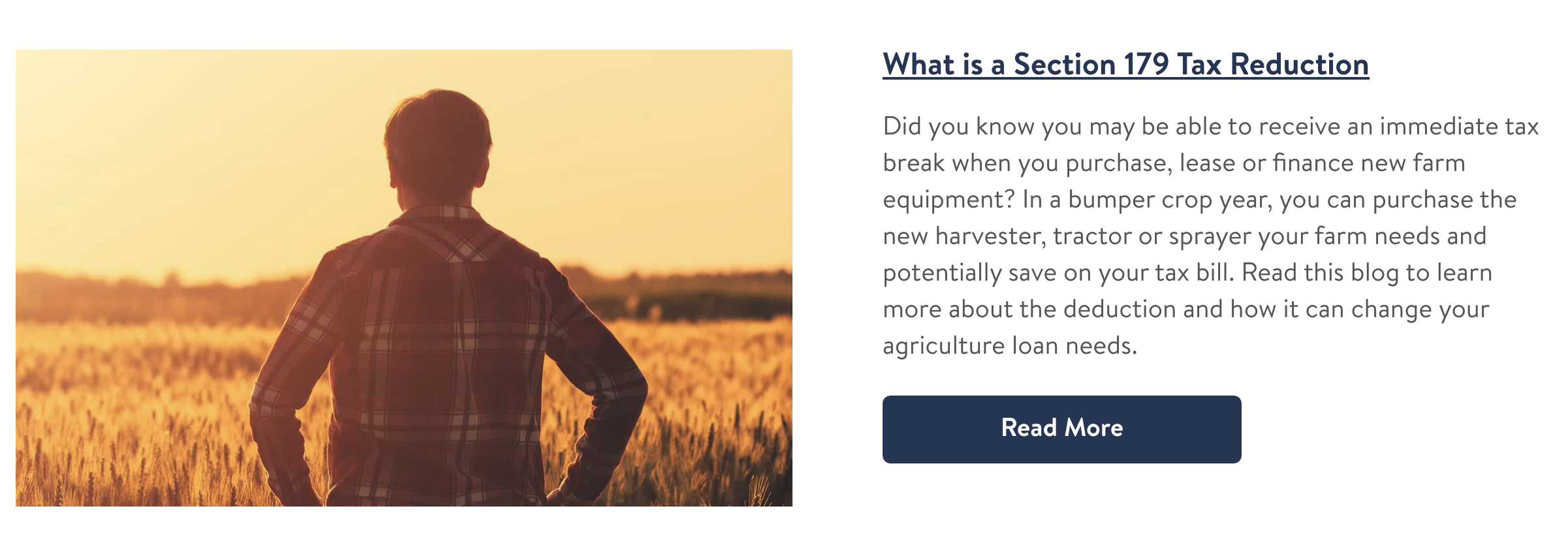
Properties
BlogPreview.propTypes = {
  url: PropTypes.string.isRequired,
  title: PropTypes.string.isRequired,
  description: PropTypes.string.isRequired,
};

BlogPreview.defaultProps = {
  url: undefined,
  title: undefined,
  description: undefined,
};
Usage on Hygraph
Important Note: Never used on its own, it is used by Blog Post linked data
<row-blog-posts
  title="Agriculture Business Resources"
  text="Farming is an industry that doesn't run on time or money alone. To succeed, you need to have love and passion for your work. Many agriculture business owners just like you have faced similar challenges to secure agribusiness financing. Check out some of our resources below to help you learn more about types of loans in agriculture as well as tips for running a financially successful agriculture business."
></row-blog-posts>
Breadcrumbs

Properties
Breadcrumbs.propTypes = {
  crumbs: PropTypes.array.isRequired,
  separator: PropTypes.string.isRequired,
  color: PropTypes.string.isRequired,
  heroBackgroundColor: PropTypes.object,
};

Breadcrumbs.defaultProps = {
  crumbs: undefined,
  separator: " > ",
  color: "#FFFFFF",
  heroBackgroundColor: undefined,
};
Usage in React
<Breadcrumbs />CardNumberFormHero
Properties
Usage on Hygraph
CircularIconText
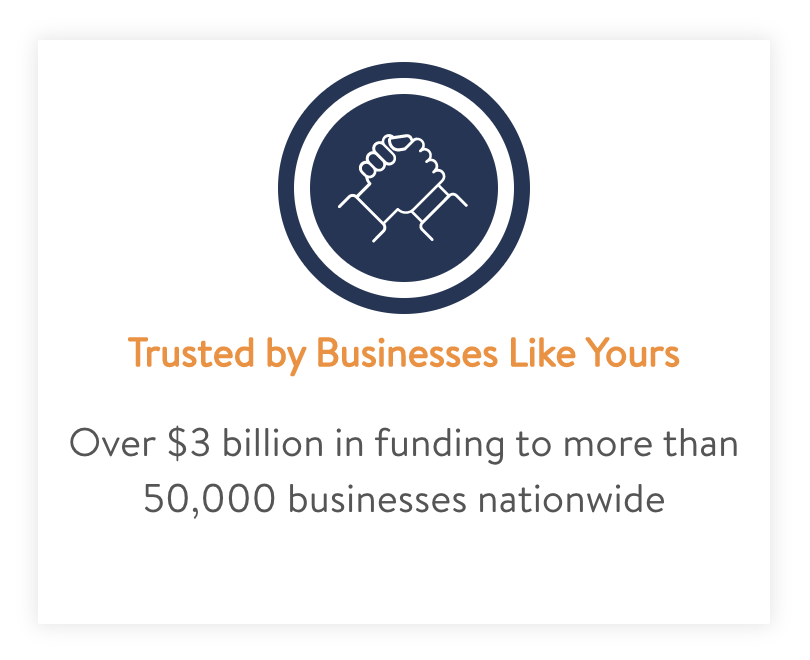
Properties
CircularIconText.propTypes = {
  id: PropTypes.string.isRequired,
  title: PropTypes.string.isRequired,
  subtitle: PropTypes.string.isRequired,
  file: PropTypes.object.isRequired,
};

CircularIconText.defaultProps = {
  id: undefined,
  title: undefined,
  subtitle: undefined,
  file: undefined,
};
Usage on Hygraph
Important Note: Never used on its own, it is used by Circular Icon Text referenced data
<row-why-national-funding>
  <text-block>
    <p class="text-center">
      It can be difficult to find small business loans for agriculture due to
      the unique nature of the industry. It's important to work with a lender
      who understands the financial challenges faced by farmers and ranchers. We
      take the time to learn about you and your farm before we make
      recommendations on small business agriculture loans.
    </p>
  </text-block>
</row-why-national-funding>
CircularIconTextNoBorder
Properties
Usage on Hygraph
Comparison
Properties
Usage on Hygraph
ContentImage
Any image used in Hygraph markdown
Properties
ContentImage.propTypes = {
  url: PropTypes.string.isRequired,
  alt: PropTypes.string,
  align: PropTypes.oneOf(["left", "center", "right"]),
};

ContentImage.defaultProps = {
  url: undefined,
  alt: "",
  align: "center",
};
Usage on Hygraph
<content-image
  alt="A hand pulling on a leaf of a plant growing on an agriculture farm"
  url="https://media.graphassets.com/bgTy6cSeS0uSpcLUBLXc"
></content-image>
CookieConsent
Properties
Usage on Hygraph
CTAButton


Properties
CTAButton.propTypes = {
  type: PropTypes.oneOf(["standard", "large", "long", "largelong", "full"]),
  color: PropTypes.oneOf(["orange", "blue"]),
  title: PropTypes.string,
  url: PropTypes.string,
  gaEvent: PropTypes.string,
};

CTAButton.defaultProps = {
  type: "standard",
  color: "orange",
  title: "Apply Now",
  url: "/application/apply-now/",
  gaEvent: undefined,
};
Usage on Hygraph
<cta-button
    type="large"
    title="Get Started Today!"
    className="mobile-width-100"
    gaEvent={{"category": "navigation","action": "Apply Now"}}
></cta-button>
CustomerStoryBox
Properties
Usage on Hygraph
CustomerStoryPreview
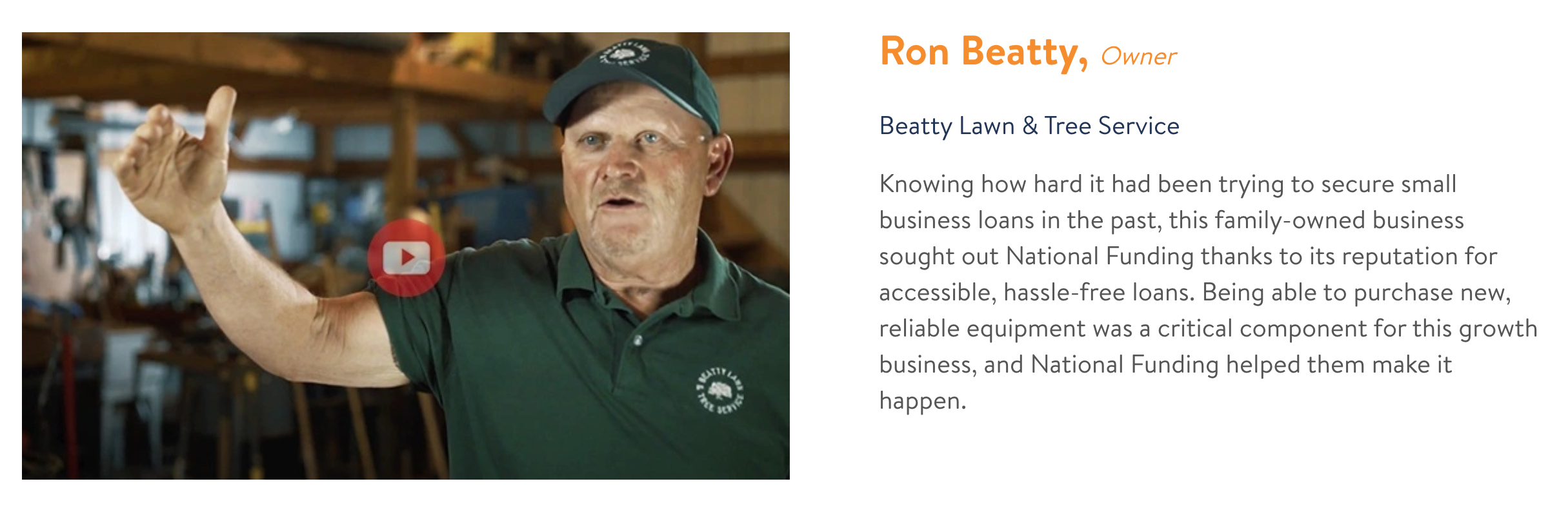
Properties
CustomerStoryPreview.propTypes = {
  slug: PropTypes.string.isRequired,
  youtubePreview: PropTypes.object.isRequired,
  youtubeId: PropTypes.string.isRequired,
  customerName: PropTypes.string.isRequired,
  customerTitle: PropTypes.string.isRequired,
  companyName: PropTypes.string.isRequired,
  excerpt: PropTypes.string.isRequired,
};

CustomerStoryPreview.defaultProps = {};
Usage on Hygraph
<row-customer-stories></row-customer-stories>Important Note: The Customer Stories are referenced from Hygraph, so if you just include the tag then it'll show up on the page.
FAQ
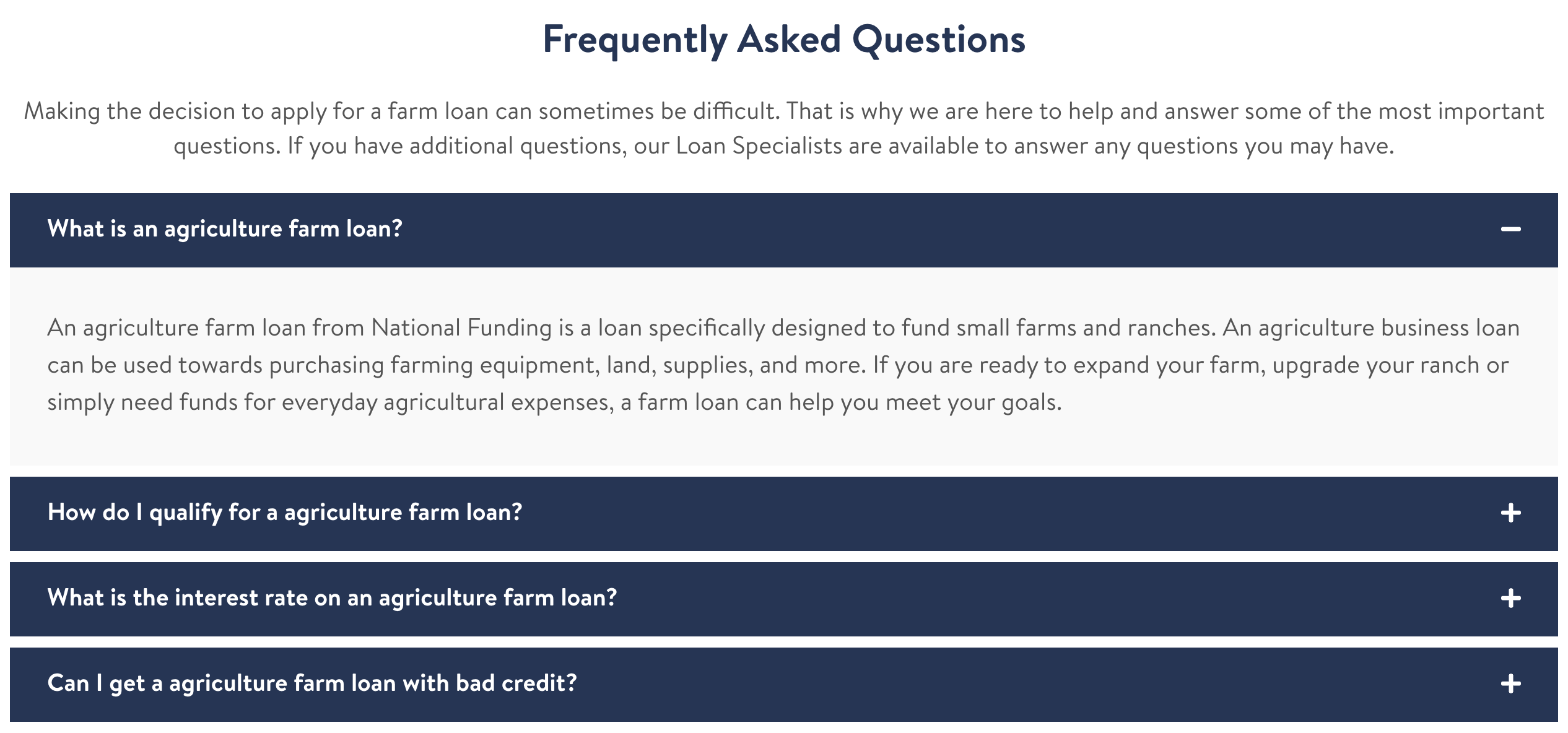
Properties
FAQ.propTypes = {
  title: string.isRequired,
  text: string,
  faqData: object.isRequired,
};
FAQ.defaultProps = {
  title: "Frequently Asked Questions",
};
Usage on Hygraph
<faq
  title="FAQ: Small Business Loans"
  text="As a business owner, it’s important that you ask questions before making any financing decisions. We’ve collected some of the most commonly asked questions about small business loans."
></faq>
ListCustomerStories
Properties
Usage on Hygraph
LocationBackgroundPullUp
Properties
Usage on Hygraph
ModalSup
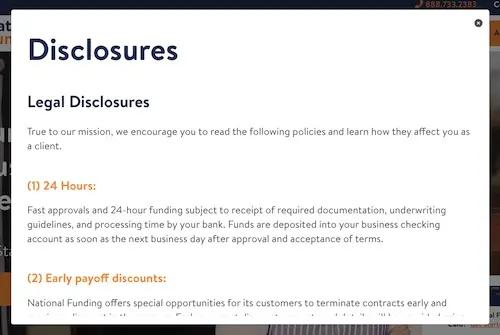
Properties
ModalSup.propTypes = {
  text: PropTypes.string.isRequired,
  url: PropTypes.string,
  color: PropTypes.string,
};

ModalSup.defaultProps = {
  text: "",
  url: undefined,
  color: "#eb8243",
};
Usage on Hygraph
<modal-sup text="1" url="/modal/disclosures/"></modal-sup>QandA
Properties
Usage on Hygraph
Quote
Properties
Usage on Hygraph
RowBlogPreviews
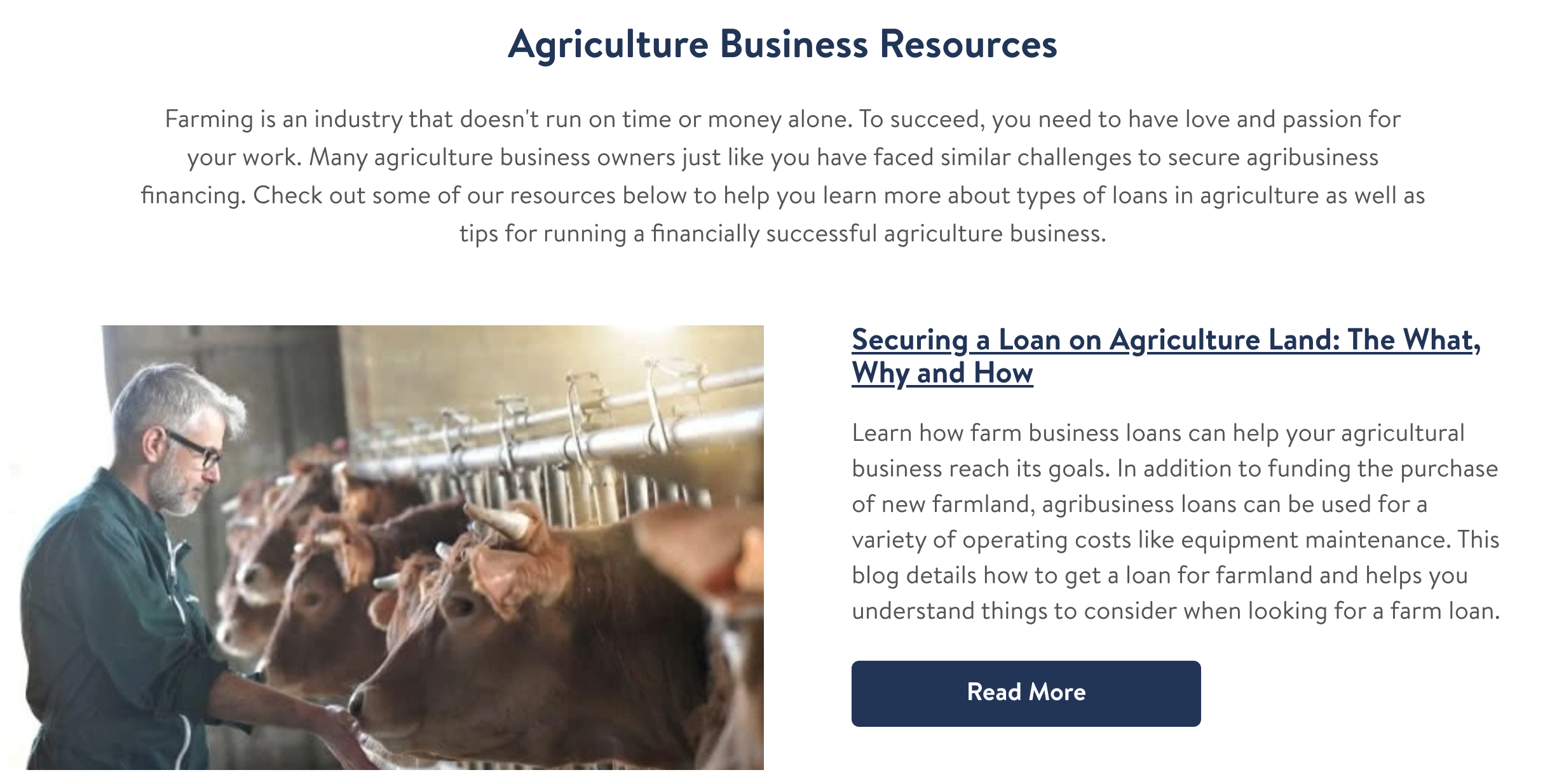
Properties
RowBlogPreviews.propTypes = {
  title: PropTypes.string.isRequired,
  text: PropTypes.string,
  blogPreviews: PropTypes.array,
};

RowBlogPreviews.defaultProps = {
  title: "Business Resources",
  text: undefined,
  blogPreviews: undefined,
};
Usage on Hygraph
<row-blog-previews
  title="Business Resources"
  text="Subtitle section that will appear under the title"
></row-blog-previews>
Important Note: The Blog Posts are referenced from Hygraph as Blog Previews, so if you include the tag then it'll show up on the page with the blog posts under the title.
RowColorOrBackgroundImage
Properties
Usage on Hygraph
RowCountUps
Properties
Usage on Hygraph
RowCustomerStories
Properties
Usage on Hygraph
RowEasyToApply
Properties
Usage on Hygraph
RowHowDoesItWork
Properties
Usage on Hygraph
RowHowToApply
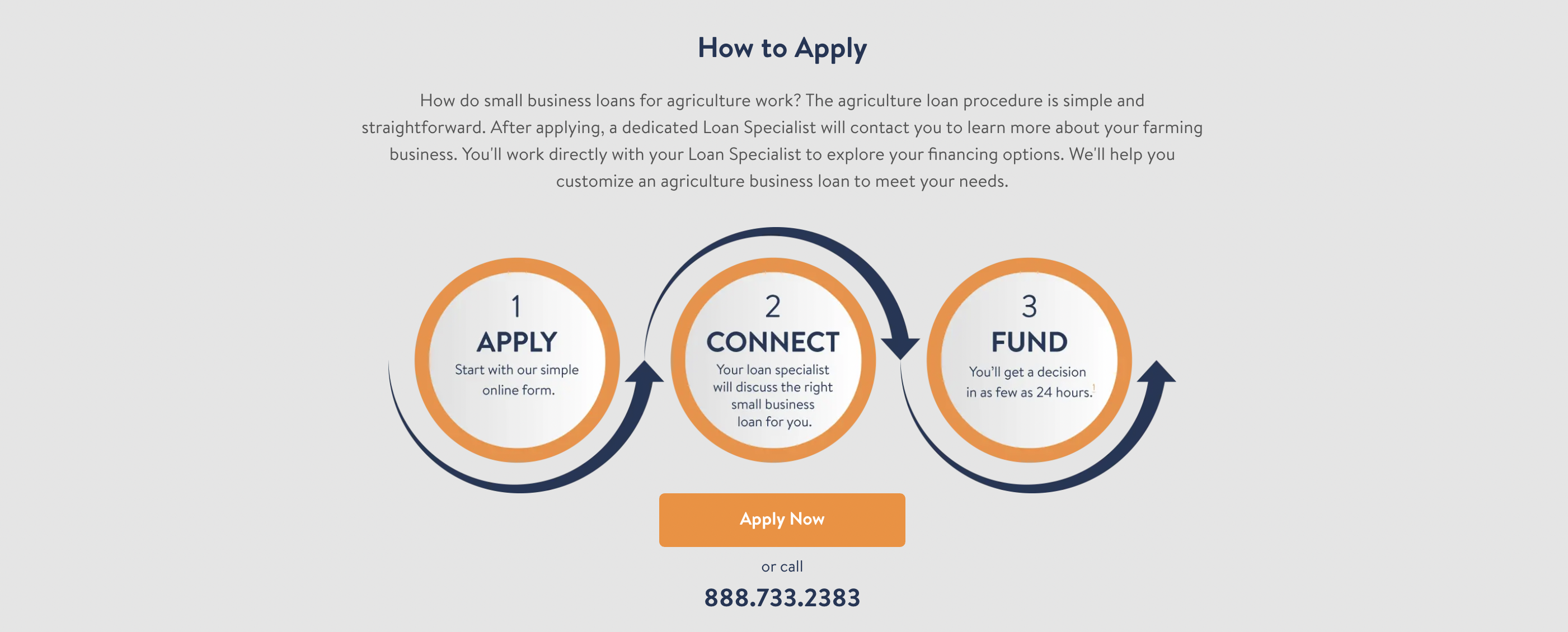
Properties
RowHowToApply.propTypes = {
  type: PropTypes.oneOf(["circles", "video"]).isRequired,
  title: PropTypes.string.isRequired,
  text: PropTypes.string.isRequired,
  phone: PropTypes.string,
  color: PropTypes.string,
};

RowHowToApply.defaultProps = {
  type: "circles",
  title: "How to Apply",
  text: "How do small business loans work? The loan procedure is simple and straightforward. After applying, a dedicated Loan Specialist will contact you to learn more about your business. You'll work directly with your Loan Specialist to explore your financing options. We'll help you customize an business loan to meet your needs.",
  phone: undefined,
  color: "white",
};
Usage on Hygraph
<row-how-to-apply
  text="How do small business loans for agriculture work? The agriculture loan procedure is simple and straightforward. After applying, a dedicated Loan Specialist will contact you to learn more about your farming business. You'll work directly with your Loan Specialist to explore your financing options. We'll help you customize an agriculture business loan to meet your needs."
  color="#e5e5e5"
></row-how-to-apply>
RowHowWeWorkPlay
Properties
Usage on Hygraph
RowLoanProducts
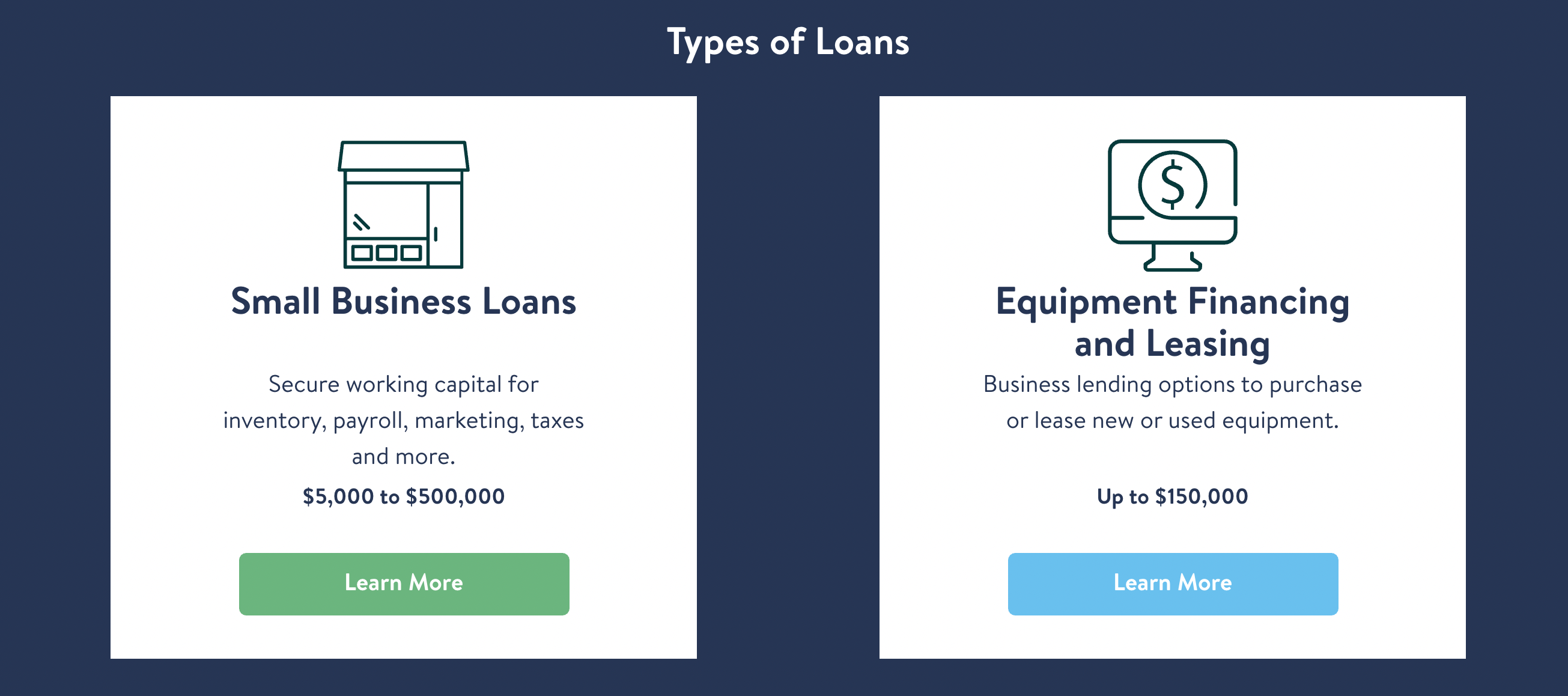
Properties
RowLoanProducts.propTypes = {
  title: PropTypes.string.isRequired,
  children: PropTypes.node,
  subtitle: PropTypes.string,
  sblText: PropTypes.string.isRequired,
  efText: PropTypes.string.isRequired,
};

RowLoanProducts.defaultProps = {
  title: "Types of Loans",
  children: undefined,
  subtitle: undefined,
  sblText:
    "Secure working capital for inventory, payroll, marketing, taxes and more.",
  efText:
    "Business lending options to purchase or lease new or used equipment.",
};
Usage on Hygraph
<row-loan-products
  title="Small Business Lending Solutions Tailored to Your Specific Needs"
  subtitle="At National Funding, you’ll receive personal service and customized options to help you reach your business goals. Learn more about our small business lending solutions, including small business loans and equipment financing."
  sblText="Secure working capital for inventory, payroll, marketing, taxes and more."
  efText="Business lending options to purchase or lease new or used equipment."
></row-loan-products>
RowLocations
Properties
Usage on Hygraph
RowOfficeGoogleMap
Properties
Usage on Hygraph
RowPersonalizedApproach
Properties
Usage on Hygraph
RowQualificationsBlue
Properties
Usage on Hygraph
RowSolutionIndustryBoxes
Properties
Usage on Hygraph
RowTestimonial
Properties
Usage on Hygraph
RowTestimonialGeneric
Properties
Usage on Hygraph
RowTrustIcons
Properties
Usage on Hygraph
RowTrustIconsTransparent
Properties
Usage on Hygraph
RowWhyHowNow
Properties
Usage on Hygraph
NASEO
Not visible
Properties
SEO.propTypes = {
  path: PropTypes.string.isRequired,
  description: PropTypes.string,
  lang: PropTypes.string,
  title: PropTypes.string.isRequired,
  status: PropTypes.string.isRequired,
  canonical: PropTypes.string,
  optimize: PropTypes.bool.isRequired,
};

SEO.defaultProps = {
  lang: "en",
  description: "",
  status: "PUBLISHED",
  canonical: undefined,
  optimize: false,
};
Usage in React
<Seo
  path="/small-business-loans/"
  title="A rich content description"
  status="DRAFT"
/>
SideQuoteWithImage
Properties
Usage on Hygraph
SquareHoverBox
Properties
Usage on Hygraph
StyledButton
Properties
Usage on Hygraph
TextBlock
Properties
Usage on Hygraph
FAQ
This section will generally summarize the "how to" steps to create or modify type of pages / content on the site.
How do I add the Why National Funding grid to a page?
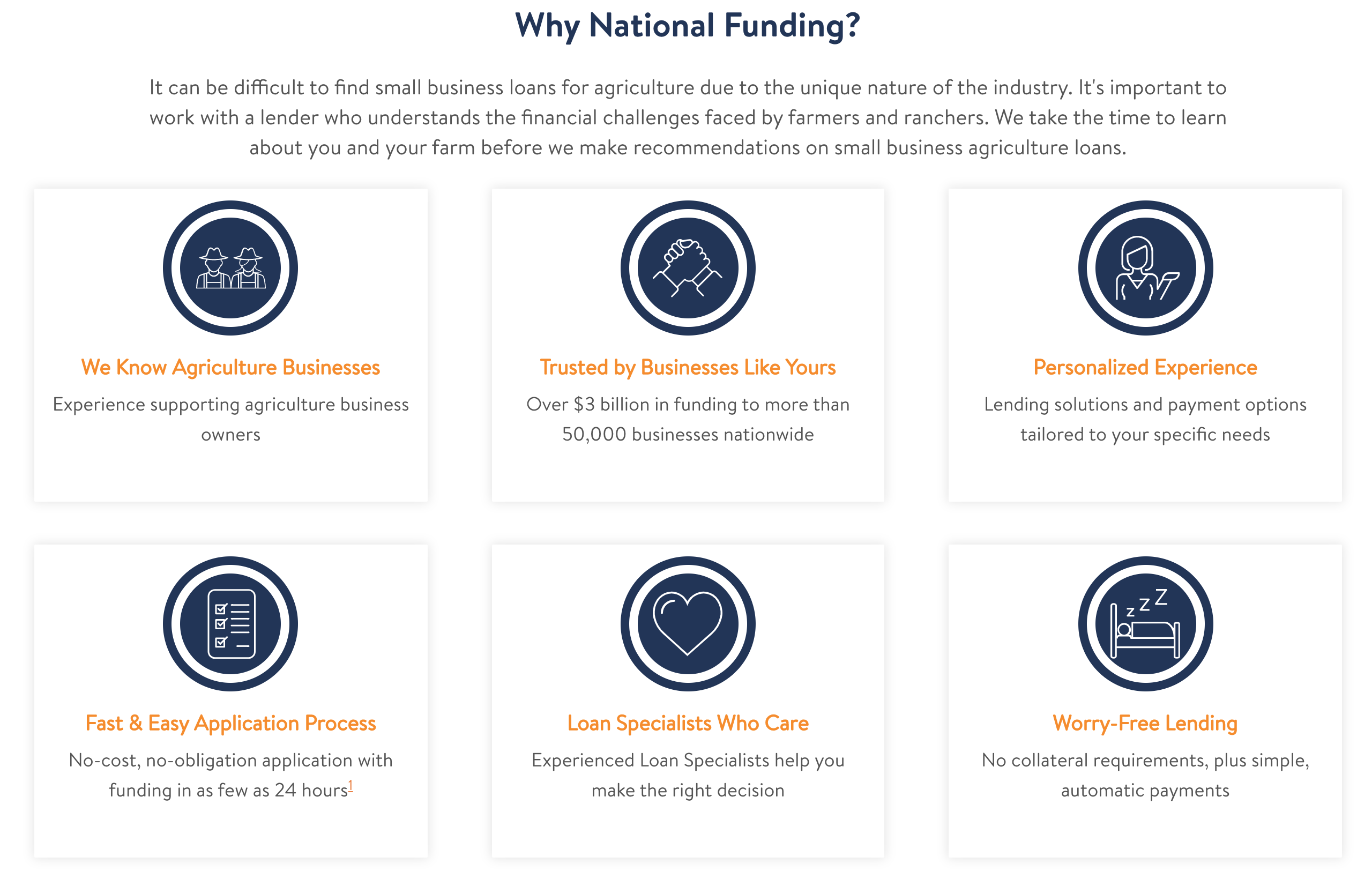
There is a section on certain page types (Industries, Landings, Solutions, Uniques) labelled "Why National Funding Icons", this requires references (in multiples of 3) to be added. Those references are the Hygraph model "Circular Icon / Text". First you would create and publish your Circular Icon / Text, then reference it into the page by searching for it. This by itself does not guarantee it will show up on the page. You need to add the applicable markdown (RowWhyNationalFunding) to specify where this section will show up in a page.
How do I modify the Hero section of the Landing and Unique pages?
For the Landing and Unique Pages, if you go into Hygraph you will see Landing / Landing Hero models and Unique / Unique Hero models. If you edit a Landing or Unique model, in their respective model, there is a field called Hero.
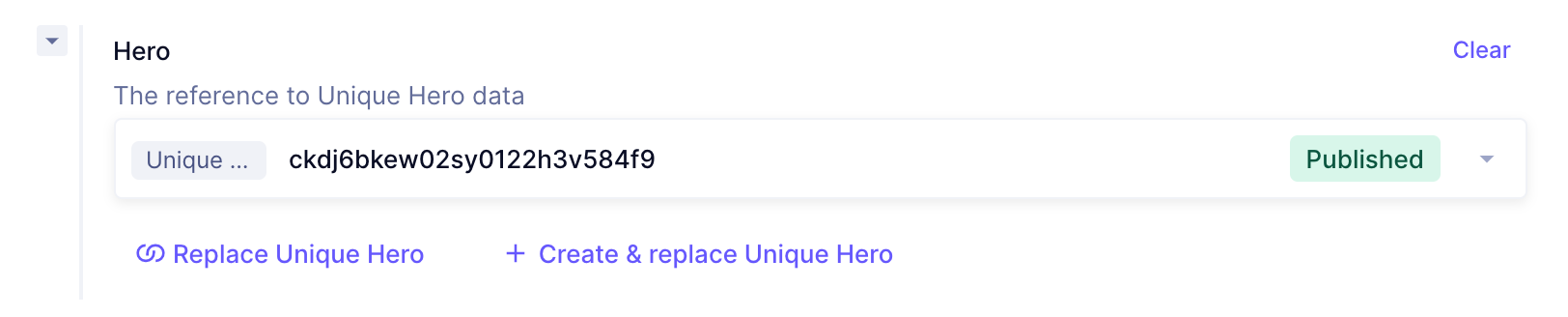
Clicking the dropw arrow to the right brings up a menu.
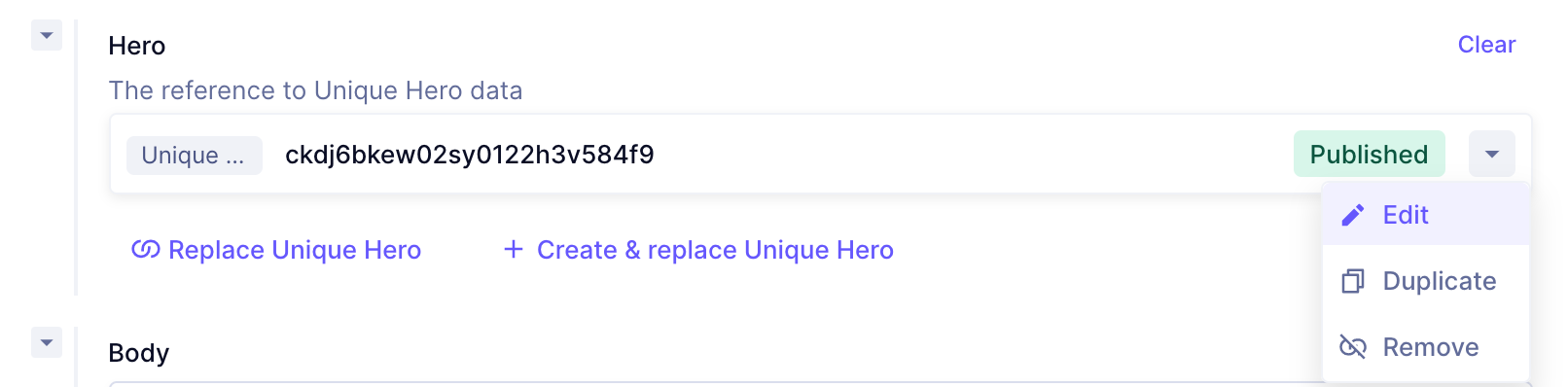
Click the edit button, that will pull out the ability to edit the Hero section of that page. Once you edit it, click Save and it'll be saved.
How do I find out which pages a component is used?
Component usage is tricky to know about because of Hygraph utilization vs github code utilization.
To find where a component is used in the file structure simply search for that component by filename. Example: searching for GrayBoxIconList will show us that it is utilized in the industry, landing, sbl, solution, and unique templates. If you go into those templates you'll find out that the name of the correct markdown to search for is gray-box-icon-list. So if you go into Hygraph and go into the Industry Content section and search for gray-box-icon-list it will come up with 44 pages where it exists.
So the quick synopsis is:
- If you want to see if its referenced in the code then search for the filename (
GrayBoxIconList) - If you want to find out what pages it is referenced in Hygraph then search for the transformation into a markdown string (
GrayBoxIconList->gray-box-icon-list) and then search for that string in the Content type.